Guide · updated 26 October 2026
How to share a Claude artifact (privately, with the people you choose)
Claude can share an artifact on its own, and for many artifacts that is all you need. This guide covers how Claude’s sharing works, when it is enough, and how to give an artifact its own private URL when it isn’t.
When that is enough
Claude’s own sharing is the simplest choice when:
- everyone you want to share with already uses Claude,
- you are sharing inside your Claude Team or Enterprise organization, or
- the artifact uses Claude itself or your connected apps while it runs. Those features live on Anthropic’s side and only work inside Claude.
When it isn't
It gets harder when the artifact has turned into a small tool other people depend on:
- The people don’t all use Claude. A client, a colleague in another company, the person who only needs to tick a box once a week.
- Access should end. The contractor who needs the dashboard until the project closes, and not a day longer.
- You need to know it’s used. Who opened it this week, and who never did.
- It should be yours. A copy of the code and the data you can take anywhere, independent of the chat it started in.
That is what artifacted is for: the artifact gets a private URL, the people you invite sign in with Google or Microsoft, and you decide who keeps access.
Share it privately here, step by step
1. Get the code out of Claude
Where Claude offers it, copy the artifact’s code or download it. Otherwise ask Claude for the HTML file. An HTML page works as it is. A React component works when it imports nothing but React. If the artifact saves data through Claude’s own storage, ask Claude to switch it to localStorage, which artifacted shares for everyone you invite.
2. Paste it in
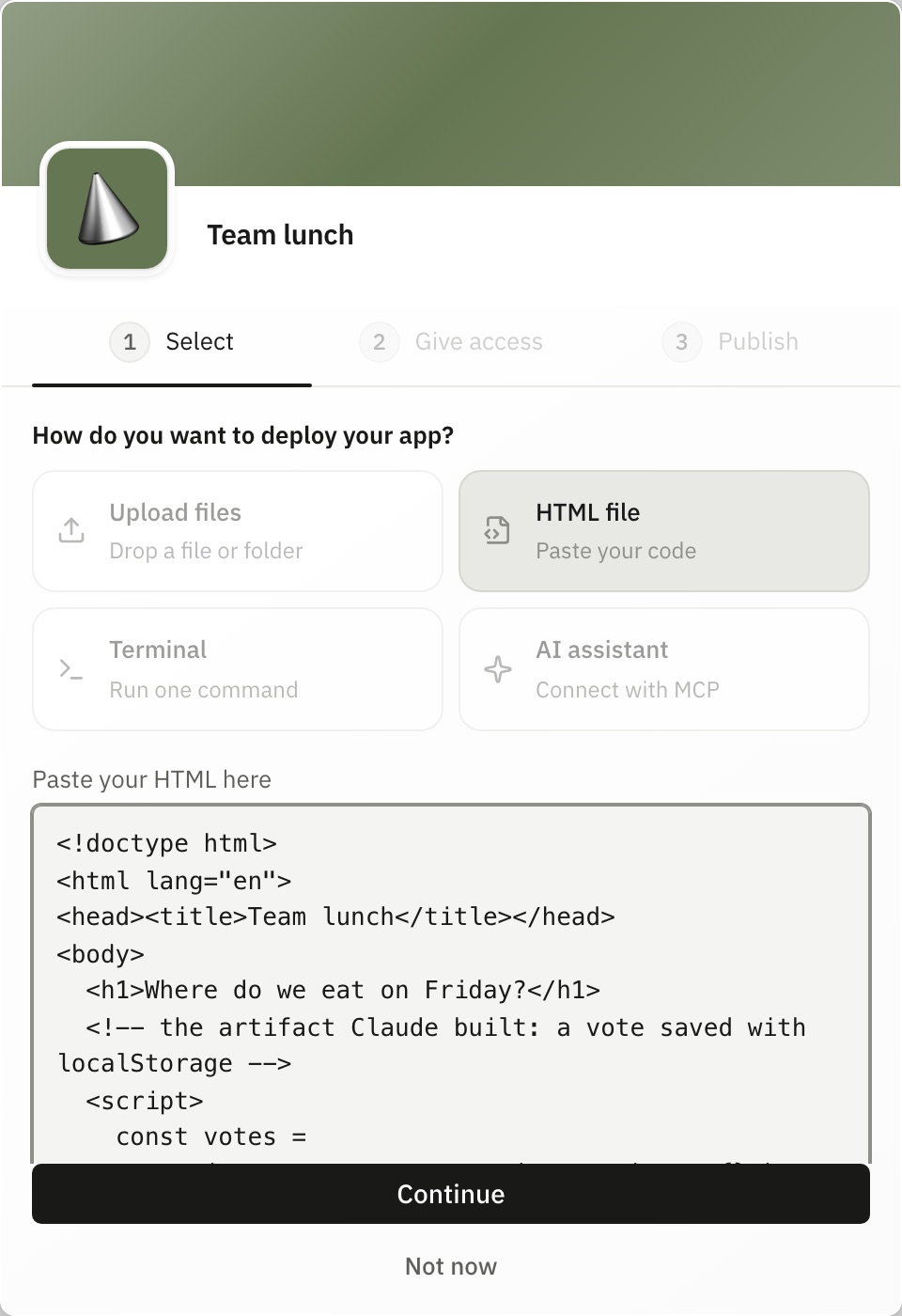
Sign in, choose Deploy an app, give the app a name, pick HTML file and paste the code. Or choose Upload files and drop the downloaded file.
3. Choose who gets in
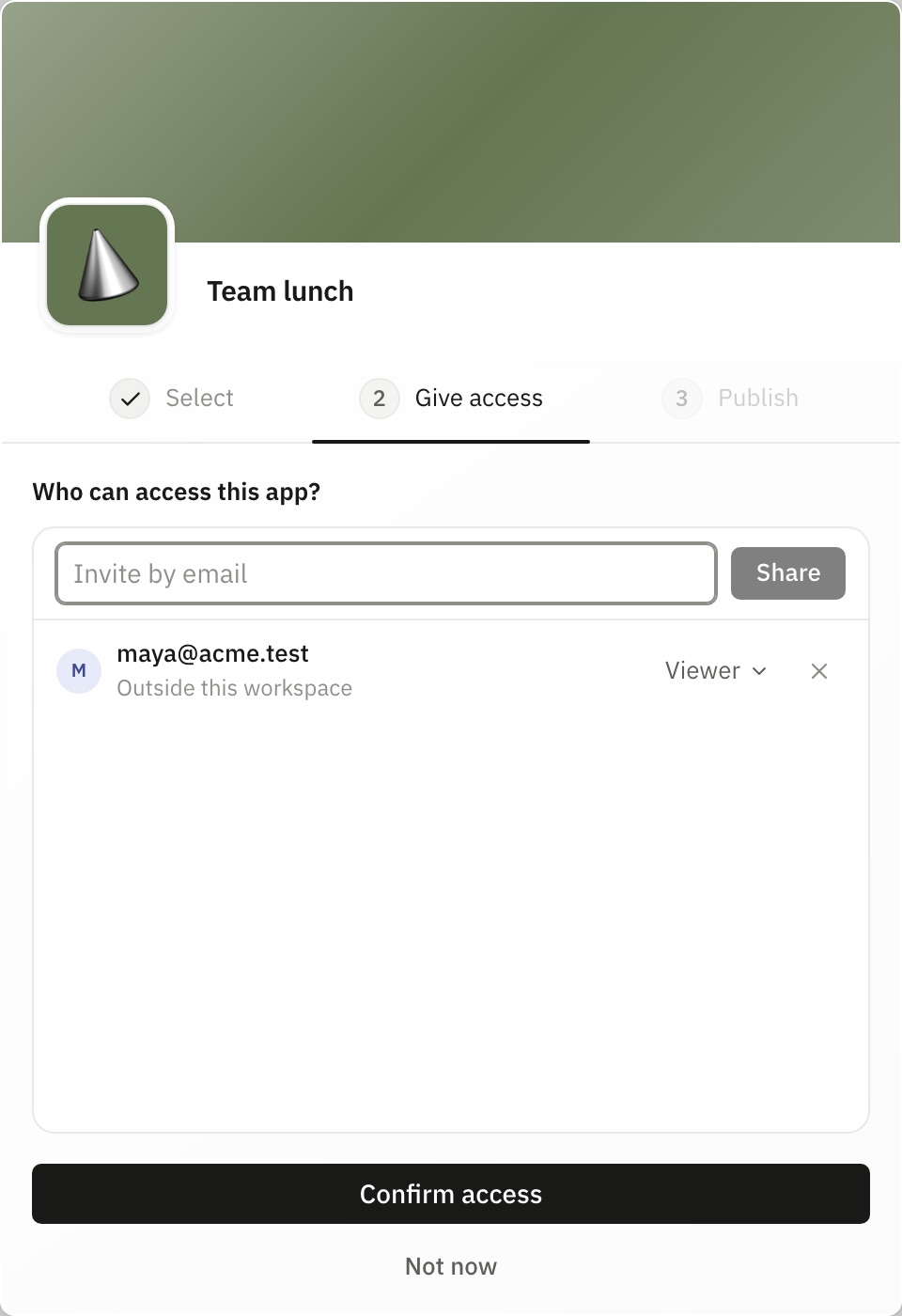
Type the email of each person who should use it and choose their access. Nobody else can open the app, and access is checked on every request.
4. Publish
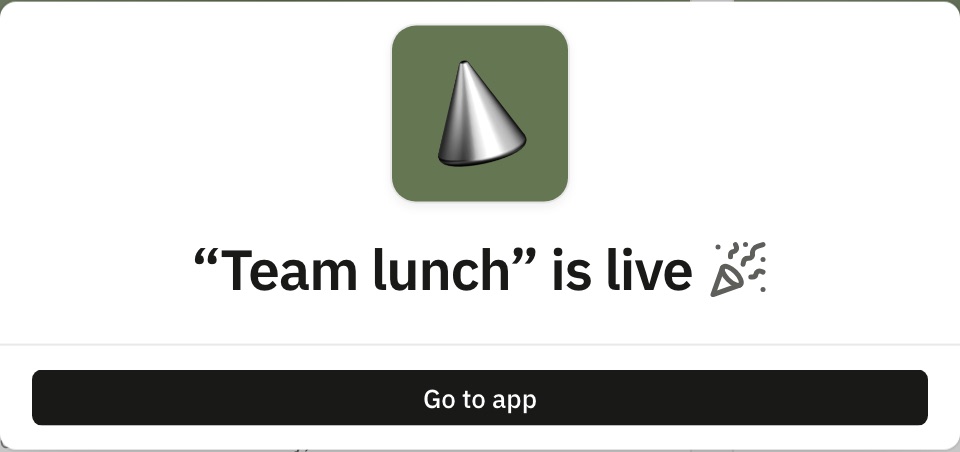
Publish, and the artifact is live at its own address, <name>.artifacted.cloud. The people you invited get an email; they sign in and they’re in.
Later you can add or remove people, set an end date on someone’s access, see who visited, and export the app with its data as one file.
FAQ
Do people need a Claude account to open it here?
No. The people you invite sign in with Google or Microsoft. They never need a Claude account, and they never pay.
Can I take access back?
Yes. Remove someone and they are locked out on their next click; access is checked on every request, never cached. You can also give access an end date in advance.
Will an artifact that uses Claude or my connected apps work here?
No. Those features run on Anthropic’s side and only work inside Claude. Artifacts that are a page plus their own data, such as a tracker, a calculator or a vote, work well.
See also: Share Claude artifacts privately · Examples